Dictate it formatted.
Paste it anywhere.
Two problems, one app. Speaking gives you a wall of text with no headings, no bullets and no bold. And even when you do have Markdown, it breaks the moment you paste it — Slack uses single asterisks, Gmail ignores it, LinkedIn has no formatting at all.
VoiceFrame formats while you talk, then rewrites the same capture for wherever it lands.
Two ways in. Two ways to shape it. Seven ways out.
Pick any step to see it.
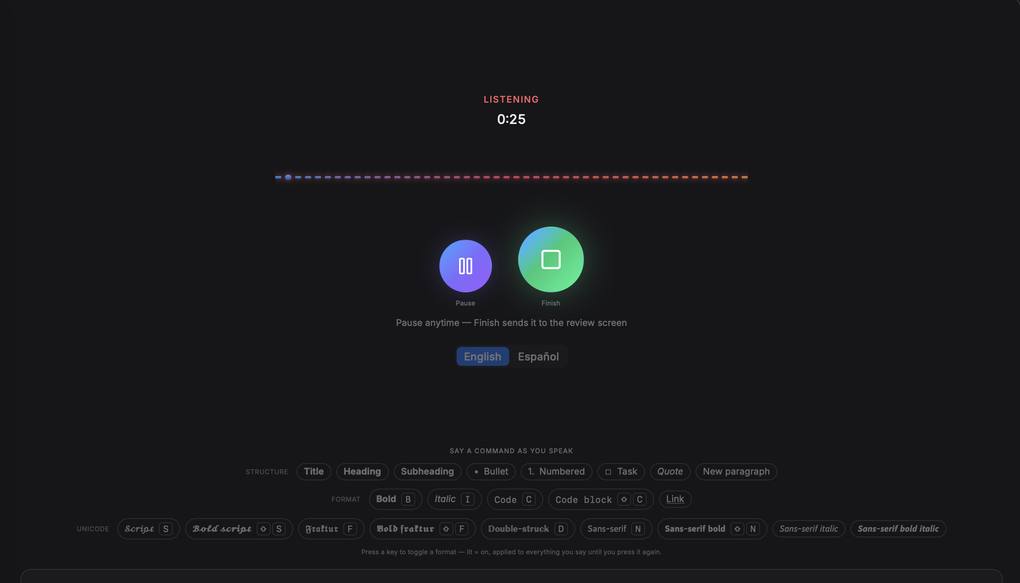
Talk. The structure appears as you go.
Say a cue mid-sentence and it shapes what follows — or press the key instead, if your hands are already there. It stays lit until you press it again, and it never rewrites your words.
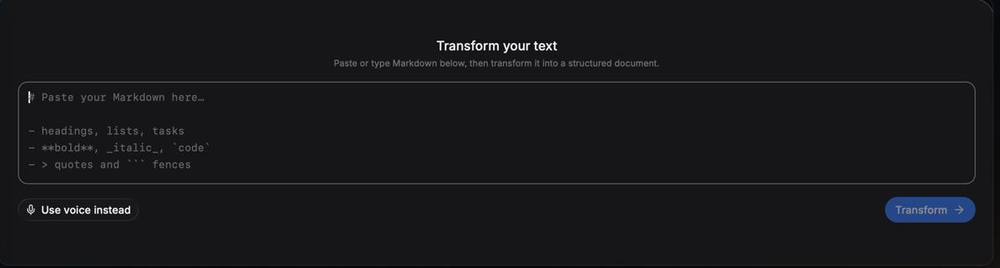
Do not feel like talking?
The second way in. Drop in Markdown from anywhere — particularly whatever an AI just handed you — and send it out correct for wherever it is going. No dictation required.
Twenty-two cues, none of them typed.
Headings, lists, checkboxes, quotes, code and nine Unicode alphabets. No syntax to remember and nothing to tidy up afterwards.
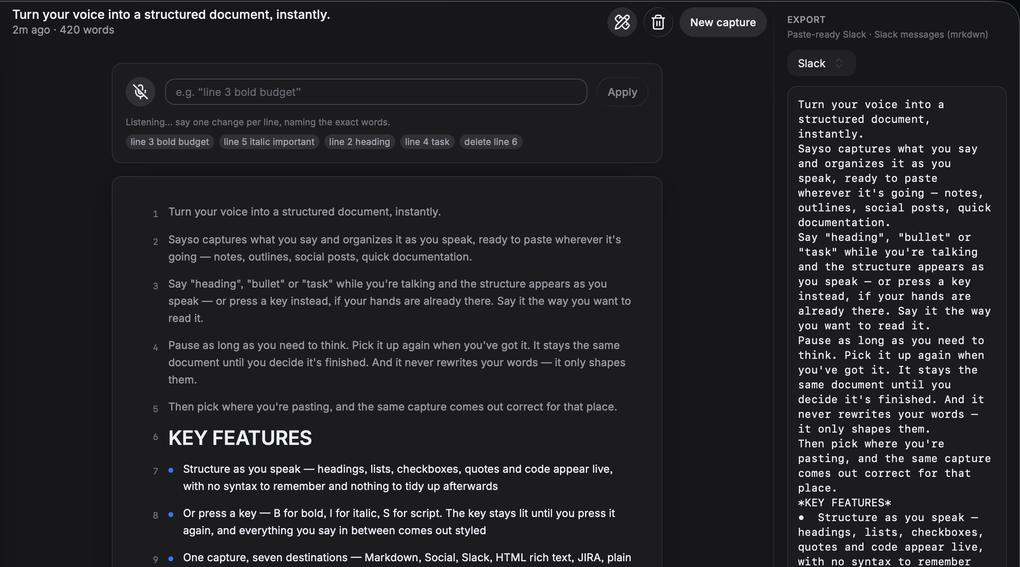
Every line is numbered.
So you can just say line 3 bold. Reshape a dictation, or text you pasted in, by naming the line. Numbered edits resolve instantly, offline, with no model involved.
Markdown is not portable. VoiceFrame is.
Slack only uses single asterisks, so anything copied out of an AI chat lands covered in stray marks. Gmail ignores Markdown entirely. LinkedIn has no formatting at all.
Thought through, down to the last accent
It knows the rest of your Mac
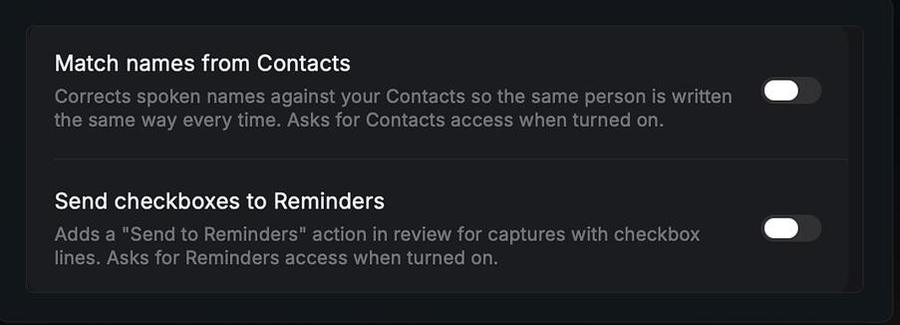
Spoken names get their spelling from your Contacts, so the same person does not come out three different ways. Checkbox lines become real reminders. Both are off until you switch them on, and each asks for access only at that moment.
It does not break Spanish
The Unicode block behind social styling has no accented characters. Every online bold text generator ignores that and hands you mangled words. VoiceFrame catches any word with á, é, í, ó, ú or ñ and leaves it plain on purpose.
A word without bold beats a word that is broken.
Six things you did this week the hard way
A LinkedIn post
Bold a line without leaving the tab to hunt for a generator, and your accented words survive it.
A Slack message
Paste an answer from an AI chat and get single asterisks, not a wall of stray marks.
An email in Gmail
Real rich text on the clipboard, so it arrives styled instead of arriving as symbols.
Notes after a call
Say the word task as you talk and the checkbox lines go straight into Apple Reminders.
A GitHub issue
Headings, bullets and code blocks, dictated in one pass while you still remember the bug.
A prompt for an AI
Long spoken prompts land as a wall of text. Give them headings and numbered constraints.
Before you install it
No account, and nothing to pay. VoiceFrame is free on the Glaze Store. There is no sign-up, no trial and no server of ours holding your work — captures live on your Mac and nowhere else.
Yes. Cues, keyboard formatting, every destination format, editing by line number and your whole history run locally with no model calls. Optional AI restructuring is the one thing that needs a connection, and it stays off until you turn it on.
None. Say heading, bullet or task in the middle of a sentence and the structure appears. If your hands are already on the keyboard, press B, I or S instead — the key stays lit until you press it again, and everything you say in between comes out styled.
That is the part it was built around. Dictate in Spanish or English. The Unicode block behind social styling has no accented characters, so any word with á, é, í, ó, ú or ñ is left plain on purpose rather than arriving as broken symbols — which is exactly what every online bold text generator does to you.
Yes. Paste Markdown you already have, from a document or from whatever an AI just handed you, and send it out correct for Slack, Gmail, LinkedIn or anywhere else. Dictation is one way in, not the only one.
Never google bold text
generator again.
macOS 26 or later · Apple silicon · installs through Glaze